How to Operate a Drill Press: Controls, Adjustments, and Everyday Operation
There is a difference between drilling a hole on a drill press and truly operating one. Anyone can pull the lever and make the bit go down. Operating the machine means knowing what every control does, adjusting the press for the job in front of you, and running it smoothly through a full day of changing tasks without fumbling or forcing anything. This guide is about that fluency: the levers, knobs, and locks you will touch, what each one is for, and the everyday operating habits that make a drill press feel like second nature.
Operating a drill press means controlling four things through its controls: the spindle speed, the table position, the depth of the quill stroke, and the feed of the bit into the work. Master those four controls and you can set the machine up for any drilling task and run it with confidence.
The direct answer to how to operate one: use the speed control to match RPM to the material, the table crank and tilt to position and angle the work, the depth stop to limit the quill travel, and the feed lever to drive the bit with steady pressure. Learn where those controls are and what they do, and operation becomes routine.
Know your controls before you switch on
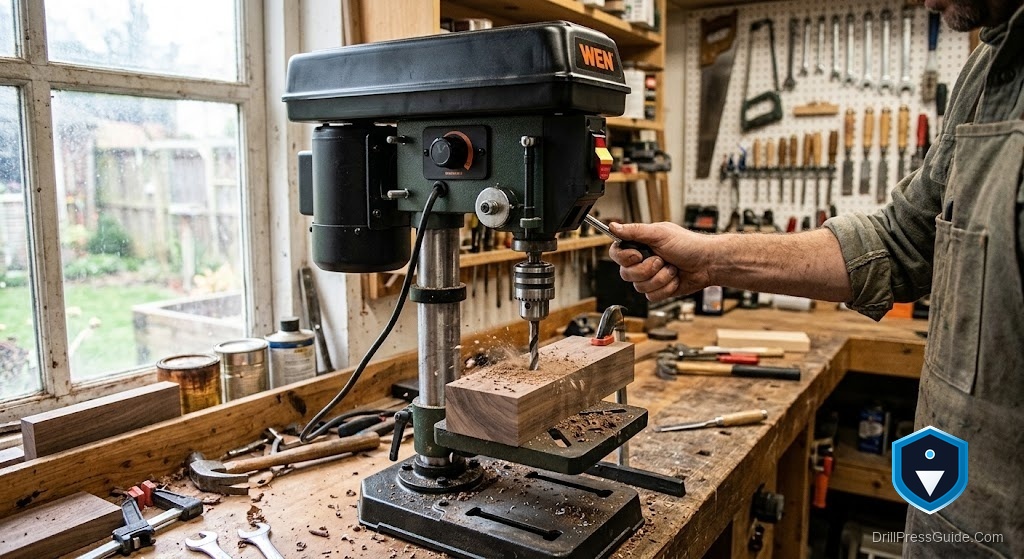
Start by finding every control with the machine off. The power switch, usually a paddle or key switch you can hit without looking. The feed lever, the three-spoke handle that lowers the quill. The speed control, either a pulley system under the cover or a variable-speed handle on the head. The table crank and the table tilt lock. The quill lock, which holds the spindle at a set depth. And the depth stop, a threaded rod or dial that limits how far the quill travels. Touching each one first means you are never hunting for a control mid-cut.
Setting the speed
Before drilling, set the RPM for the bit and material. On a variable-speed press, turn the handle or dial, ideally while the machine runs, to the target speed. On a belt-change press, switch off, open the pulley cover, and move the belt to the correct step. Slow for large bits and metal, fast for small bits in wood. This is the adjustment people most often skip and most often regret, because the wrong speed burns wood, dulls bits, and grabs metal.
Positioning and angling the table
Raise or lower the table with the crank so the workpiece sits close under the bit with room for the quill to travel, then lock the table collar. If the hole is angled, loosen the table tilt lock, set the angle against the scale (verify with a bevel gauge for anything critical), and lock it firmly. Put a sacrificial backer on the table under through-holes. A table that is not locked can shift under load, so snug every lock before you cut.
Using the depth stop and quill lock
For a blind hole or a batch of identical depths, set the depth stop so the quill halts at the right point, then every hole matches without measuring. The quill lock does the opposite job: it holds the spindle down at a fixed position, useful for setup, sanding with a drum, or holding the bit at height while you position work. Know which one you want, because confusing them leads to holes that are too deep or a quill that will not return.
Everyday operation and feed
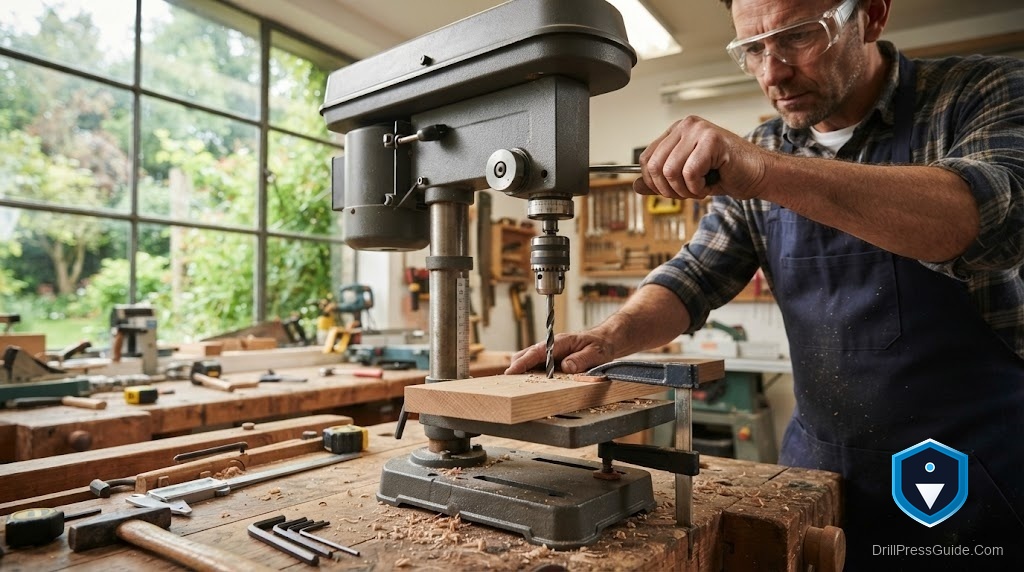
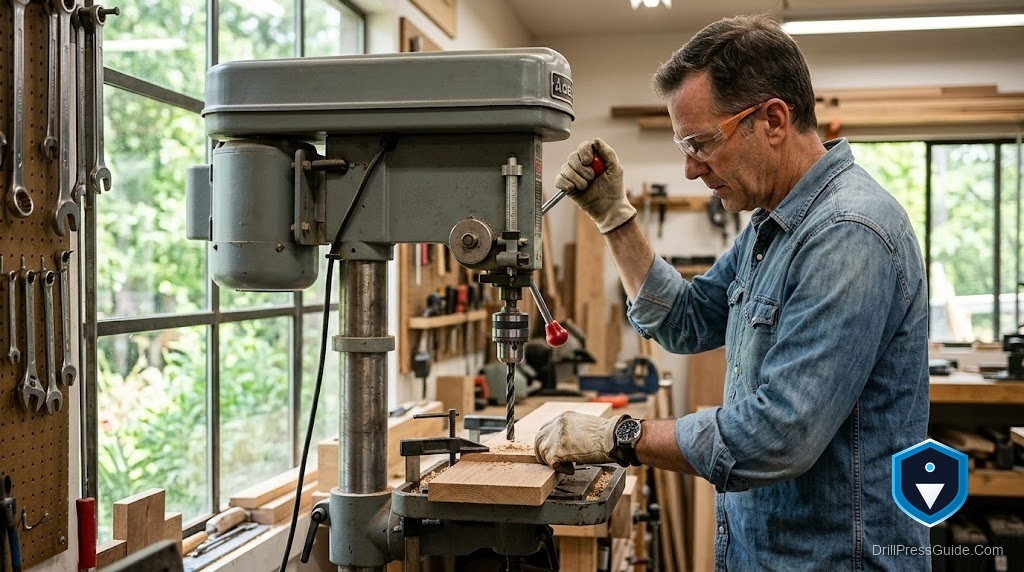
With speed, table, and depth set, secure the workpiece in a clamp or vise, switch on, and pull the feed lever with smooth, steady pressure, enough that the bit makes chips without bogging the motor. For deep holes and metal, peck: drill partway, retract to clear chips, then continue. Let the return spring lift the quill, do not fight it, and switch off and let the spindle stop on its own between operations. Keep eye protection on, skip the gloves, keep hands clear of the bit, and brush chips away rather than wiping them by hand.
The verdict
Operating a drill press well comes down to fluency with four controls: speed, table, depth, and feed. Learn where each control is and what it does before you switch on, set the speed to the material, position and lock the table, use the depth stop and quill lock for the job at hand, and feed with smooth, steady pressure while clearing chips. Add the standing safety habits, eye protection, no gloves, hands clear, brush the chips, and running the machine through a day of varied work stops being a series of fumbles and becomes smooth, confident operation.
FAQ
What are the main controls on a drill press? The power switch, feed lever, speed control, table crank and tilt lock, quill lock, and depth stop. Together they control speed, table position, depth, and feed.
How do I set the right speed? Match RPM to the bit and material: slow for large bits and metal, fast for small bits in wood. Use the variable-speed handle or move the belt on a belt-change press.
What is the difference between the depth stop and the quill lock? The depth stop limits how far the quill travels for consistent depths; the quill lock holds the spindle at a fixed position for setup, sanding, or holding height.
How do I drill an angled hole? Loosen the table tilt lock, set the angle against the scale, verify critical angles with a bevel gauge, and lock the table firmly before drilling.
What is pecking and why do it? Drilling partway, retracting to clear chips, then continuing. It stops the flutes from packing and the bit from overheating in deep holes and metal.
What should I never do while operating a drill press? Never wear gloves, never hold small parts by hand, never leave the chuck key in, and never clear chips with your fingers. Keep hands clear of the bit.
References
- Woodcraft, drill press shop knowledge guide (controls and operation): https://www.woodcraft.com/blogs/shop-knowledge-guides/drill-press-table
- FineWoodworking, drill press operation and safety fundamentals: https://www.finewoodworking.com/project-guides/shop-machines/shopmade-sanding-drums-for-the-drill-press