Drill Press Vise for Dremel Workstation: Holding Small Work Safely
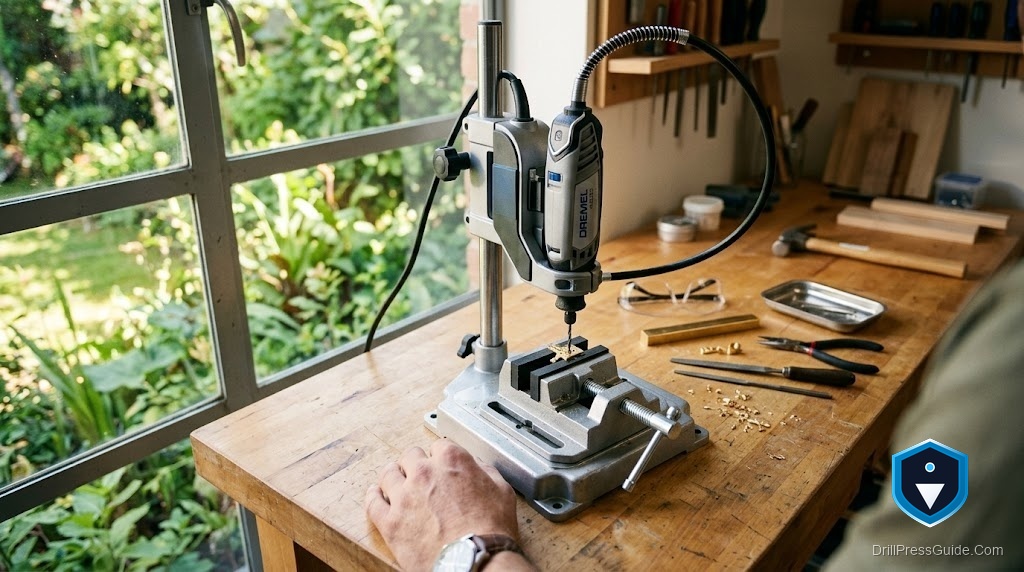
Watch someone use a Dremel Workstation for the first time and you will usually see the same thing: one hand working the plunge lever, the other pinching a tiny workpiece a fingernail away from a spinning bit. It works right up until the bit grabs and spins the part, and then it does not. A vise sized for the Workstation solves that in one move, holding small stock steady so both your hands stay clear. The catch is that a full-size drill press vise is the wrong tool here, and choosing the right small one takes a little thought.
A vise for a Dremel Workstation is a small clamping tool that holds tiny or delicate workpieces on the base while the rotary tool drills or sands. Because the Workstation is a miniature press with a small base and shallow plunge, the vise needs to be low, compact, and gentle enough not to crush model, jewelry, or electronic parts.
Straight answer: a standard cast-iron drill press vise is too tall and too big for a Dremel Workstation, so reach for a mini vise with soft jaws instead. For the widest flexibility, Dremel’s own Multi-Vise pairs naturally with the Workstation, while a small aluminum hobby vise is the simplest way to just hold a part down. Either keeps your fingers away from the bit, which is the whole point.
Why a full-size vise fights you here
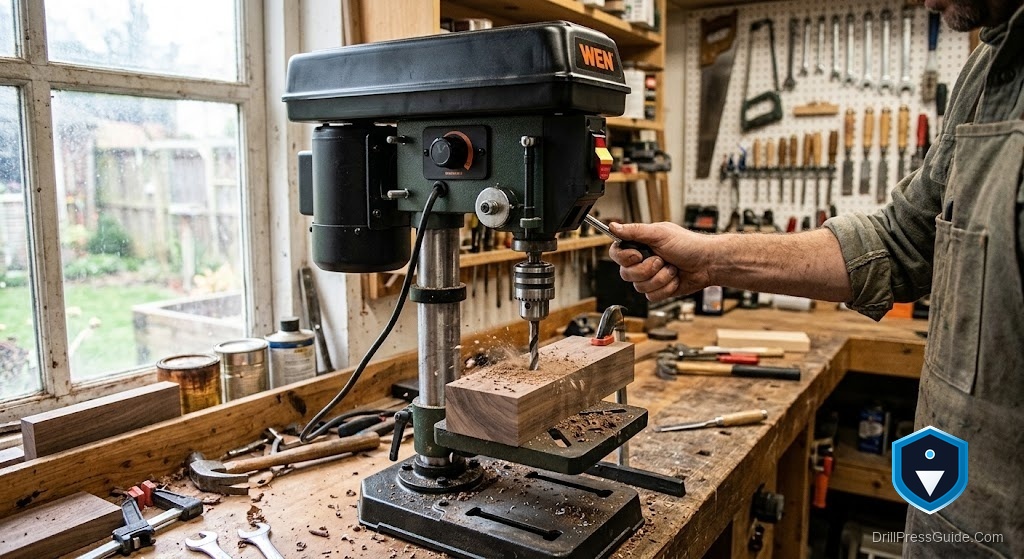
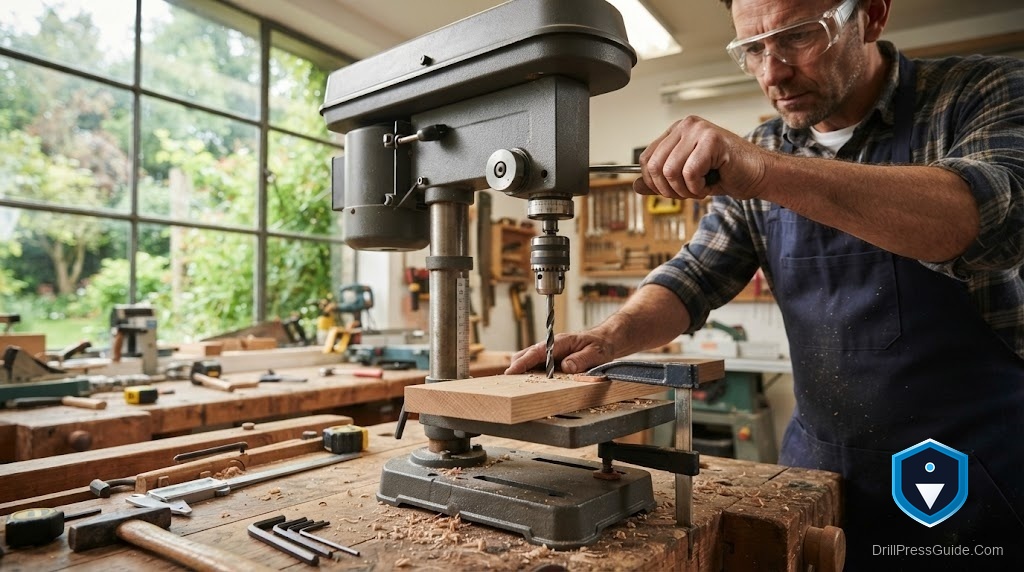
The Workstation gives you only about two inches of plunge and a small footprint. A heavy 4 inch drill press vise eats most of that headroom before the workpiece is even in place, and its hard steel jaws will dent soft brass, mar a circuit board, or crack a resin model. Small work also does not need much clamping force; it needs gentle, secure, low-profile holding. That is a different tool, not a smaller version of the same one.
Two picks that actually fit
If you want one accessory that does the most, the Dremel Multi-Vise 2500-01 is the natural match for the Workstation. It is a 3-in-1: a stationary vise with soft, V-grooved jaws that grip round and odd shapes without scratching, a stand-alone clamp, and a tool holder that can even cradle the Dremel itself for sanding. Its rotating and tilting base lets you present a part at the angle you want. The honest drawback is that it is designed as a benchtop helper, so on the Workstation’s small base you position it thoughtfully rather than bolting it into a fixed spot.
If you just want to pin a small part flat and cheap, a mini drill press vise with soft rubber jaws does that job. Its jaws open a couple of inches, the soft faces protect delicate stock, and its low body leaves you the plunge depth you need. The tradeoff is simplicity: it holds small work well and does nothing else, no tilt, no tool-holder trick. For jewelry, models, and light craft that is often exactly enough.
How to choose between them
Think about your work. If you do varied projects and would use a tilting base, a clamp, and a tool holder, the Multi-Vise earns its keep and grows with you. If you only need to keep a small part from spinning under the bit, the mini vise is cheaper, lower, and out of your way. Both protect the workpiece with soft jaws, and both do the one thing that matters most: they get your fingers out from under a spinning bit.
Using it safely on the Workstation
Seat the workpiece low in the jaws so the vise stays under the plunge and the bit reaches cleanly. Put a scrap backer under the part on through-holes so the bit exits into scrap, not the base. Keep the vise positioned so the drill enters over an open spot, and tighten just enough to hold without crushing delicate material. Let the tool cut at its own pace rather than forcing the plunge, and keep loose sleeves and long hair away from the rotating collet. Small tools still bite.
The verdict
Do not put a full-size drill press vise on a Dremel Workstation; it is too tall and too harsh for the small, delicate work the Workstation is made for. Choose the Multi-Vise if you want a versatile, tilting 3-in-1 that also holds the tool, or a soft-jaw mini vise if you simply want to pin small parts flat for less money. Either one turns a nervous one-handed balancing act into a steady, two-hands-clear setup, which is safer for you and kinder to the part.
FAQ
Can I use a regular drill press vise on a Dremel Workstation? It is not a good fit. Full-size vises are too tall for the shallow plunge and their hard jaws can damage delicate work. Use a mini or soft-jaw vise.
Does the Dremel Multi-Vise hold the tool too? Yes. It is a 3-in-1 with a stationary vise, a stand-alone clamp, and a tool holder, so it can cradle the Dremel for sanding and polishing.
Will soft jaws hold metal parts? Yes, for the light loads of rotary-tool work. Soft jaws grip securely while protecting the surface from dents and scratches.
How do I protect the Workstation base when drilling through? Put a scrap backer under the workpiece so the bit exits into scrap, and position the vise so the bit enters over an open area.
What size vise fits the small base? A compact mini vise with a couple of inches of jaw opening. Keep it low so it does not eat into the plunge depth.
Do I really need a vise for such small parts? Yes. Small parts spin fastest when a bit grabs. A vise keeps the work steady and your fingers away from the bit.
References
- Dremel, 2500-01 Multi-Vise, product page and specifications: https://www.dremel.com/us/en/p/multi-vise-2500-01
- Dremel, 220-01 Rotary Tool Workstation, plunge depth and base details: https://www.dremel.com/us/en/p/220-01-26150220aa