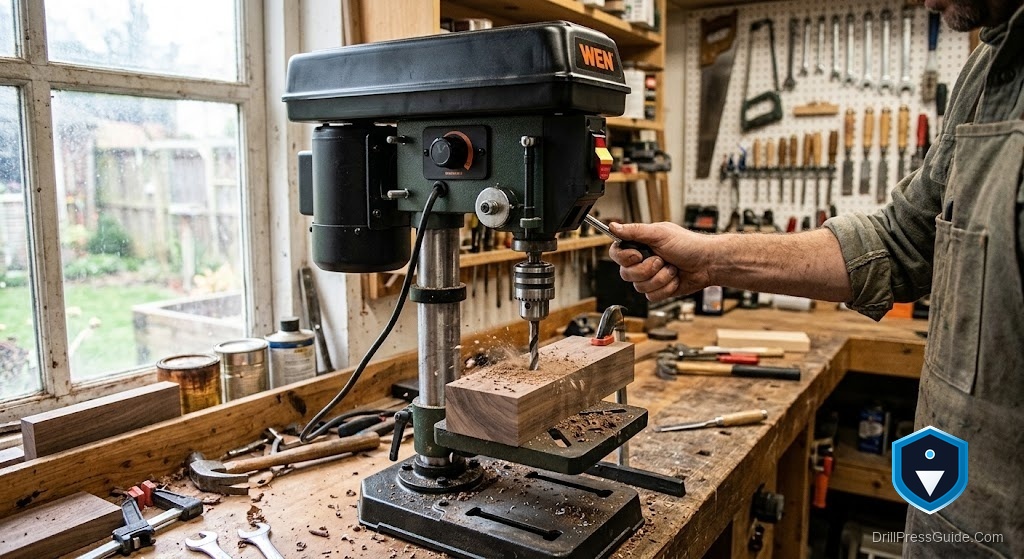
How to Align a Drill Press Laser to the Bit
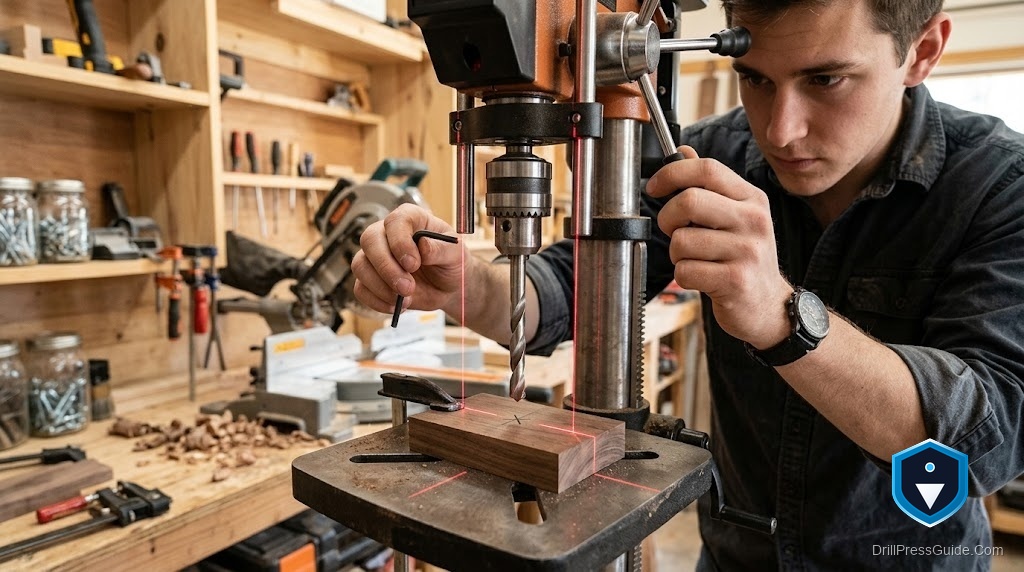
A drill press laser is only useful if the lines actually cross where the bit goes. Out of the box, they almost never do. The good news is that aligning a crossline laser to the bit is a ten-minute job you do once, and re-check occasionally, and it works the same whether your press is a Bauer 12-inch with laser alignment, a Ryobi 10-inch with the ExactLine system, or any other laser-equipped machine. Here is the honest, repeatable way to do it.
What the laser is (and is not)
Most drill press lasers project two lines that form a crosshair, and the idea is that the intersection marks where the bit will enter the work. That is a sighting aid, not a precision instrument. It speeds up rough positioning, but the true reference is always the bit tip touching your layout mark. Treat the laser as a way to get close fast, then confirm with the bit. Set that expectation and the laser becomes genuinely handy instead of a source of mystery holes.
The short version of alignment: chuck a bit, find where it actually touches the table, then adjust the two laser lines until they cross exactly on that point.
Before you start: safety first
Unplug nothing yet, but keep the machine off while you set up. Never look directly into the laser, and never put your hands under a spinning bit. Lower the bit by hand (motor off) to find its contact point rather than running the machine. You only need power on briefly, if at all, to see the laser lines.
Step by step
- Chuck a known-good bit. Use a sharp bit with a clean point, not a worn or bent one. A center-pointed bit or a small twist bit works well.
- Mark the true bit position. Place a scrap board on the table, and with the motor off, lower the bit by the feed handle until the point just dimples the wood. That dimple is the real point of operation. Raise the bit back up.
- Turn on the laser. Switch on the laser (and the work light if it helps you see). You will see the two lines and where they currently cross.
- Find the adjustment screws. Crossline lasers have two small adjusters, one per line, usually set screws or thumbwheels near the laser housing under the head. Each screw pivots one line.
- Walk each line onto the dimple. Adjust one line at a time until it passes directly over the dimple, then the other. When both lines cross exactly on the dimple, the laser is aligned to the bit.
- Verify with a test hole. Mark an X on fresh scrap, line the crosshair on the X, and drill. The hole should land on the X. If it is off, repeat with the dimple method, which is more reliable than eyeballing the printed lines.
Why it drifts, and how often to check
Lasers drift for simple reasons: a knock during a move, vibration over months of use, or a change of chuck or bit length that shifts the geometry slightly. Re-check the alignment after you move the machine, after any hard knock, and every so often as routine. It takes a minute once the machine is set up. If a laser will not hold alignment at all, suspect a loose housing or a failing module rather than your technique.
When the laser is not the answer
Be honest about the tool. For truly precise work (doweling, metal layout, repeat holes), a fence and stop block, a center-pointing bit, and a good work light beat a laser every time. The laser gets you close; the physical references get you exact. Many owners find the onboard work light does more for day-to-day accuracy than the laser does. Use the laser for speed and the bit tip for truth.
The verdict
Aligning a drill press laser is a one-time, repeatable job: chuck a good bit, dimple a scrap to find the true point, then adjust each laser line until the crosshair sits exactly on the dimple, and verify with a test hole. Re-check after moves and knocks. Remember what the laser is (a fast sighting aid) and what it is not (a precision reference), lean on the bit tip and a fence for exact work, and the laser earns its place as a convenience rather than a frustration.
Takeaways:
- The laser is a sighting aid; the bit tip on your mark is the true reference.
- Align by dimpling a scrap with the bit (motor off), then walking each laser line onto the dimple.
- Verify with a test hole on a marked X and re-adjust if it is off.
- Re-check alignment after moving the machine, after knocks, and periodically.
- For precise work, use a fence, stop block, center-pointing bit, and work light rather than trusting the laser.
Tooling and supplies
Make laser alignment and accurate drilling easier with the right tools. A center-pointing brad-point bit set helps you find and hit a mark, a drill press fence and hold-down gives repeatable positioning, and a small machinist square squares the table to the bit. A drill press work light often helps accuracy more than the laser. Confirm any replacement laser module fits your press before ordering.
FAQ
How do I align a drill press laser to the bit? Dimple a scrap board with the bit (motor off) to find the true point, turn on the laser, then adjust each line with its set screw until the crosshair crosses exactly on the dimple. Verify with a test hole.
Why is my drill press laser off from where the bit drills? The laser was never aligned, or it drifted from a knock, vibration, or a change of chuck or bit length. Re-align using the dimple method.
Where are the laser adjustment screws? On most crossline lasers, two small set screws or thumbwheels sit near the laser housing under the head, one per line. Each pivots one line.
How accurate is a drill press laser? It is a rough sighting aid, good for fast positioning. For precise work, rely on the bit tip, a fence, and a stop block.
How often should I re-check the alignment? After moving the machine, after any hard knock, and periodically as routine. It takes a minute.
My laser will not hold alignment. What is wrong? Suspect a loose laser housing or a failing module rather than your technique. Tighten the mount or replace the module.
References
- Harbor Freight, Bauer drill press manuals and support: https://www.harborfreight.com/
- Ryobi Tools, support and manuals: https://www.ryobitools.com/support